- Marketplace
- Merchants
- Restaurants
- UAE house
- Cloud accounting (GCC VAT)
- Me
- Cart
- My order
- Address book
- Favorite
- Link
- About us
- Download App
- 中文
- Merchant panel
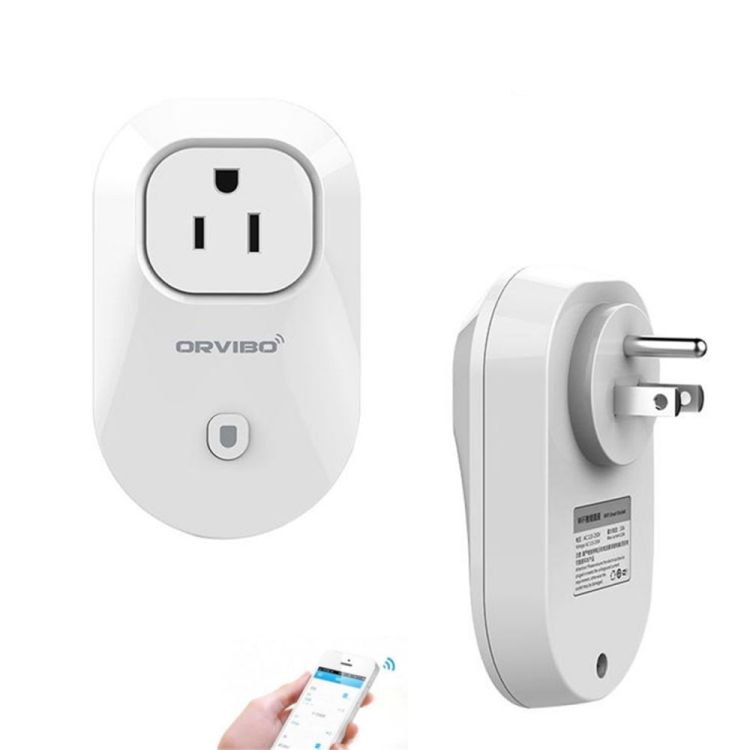
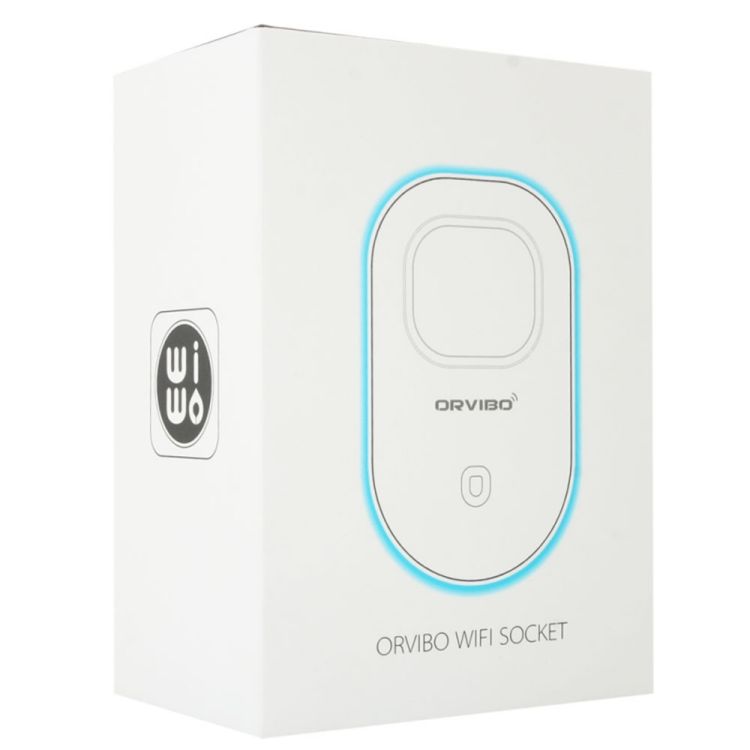
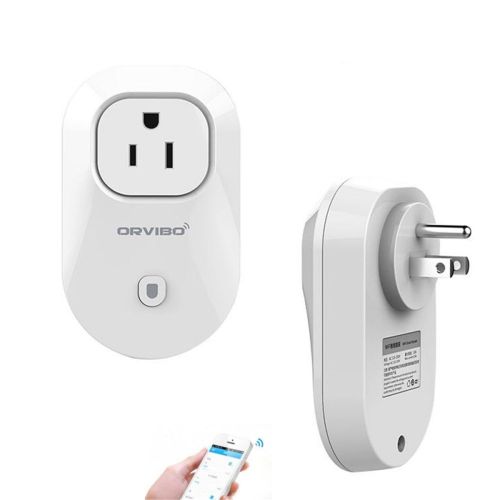
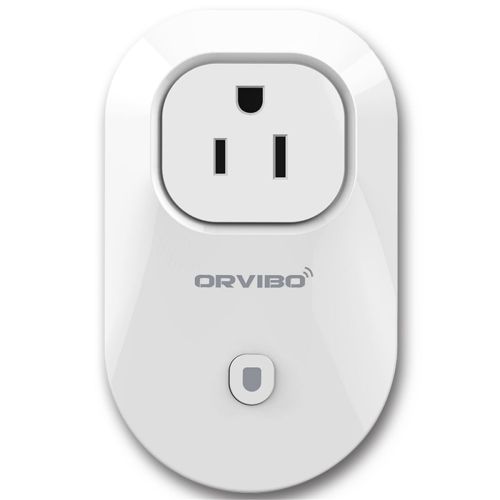
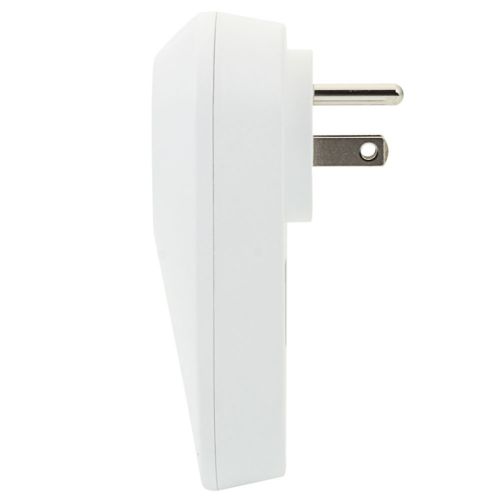
ORVIBO WiFi Remote Control Smart Power Plug Outlet US Standard Socket
Note: Only sales in the USA(not include Alaska, Hawaii, and Puerto Rico), and only support FedEx SmartPost (2 to 8 business days).
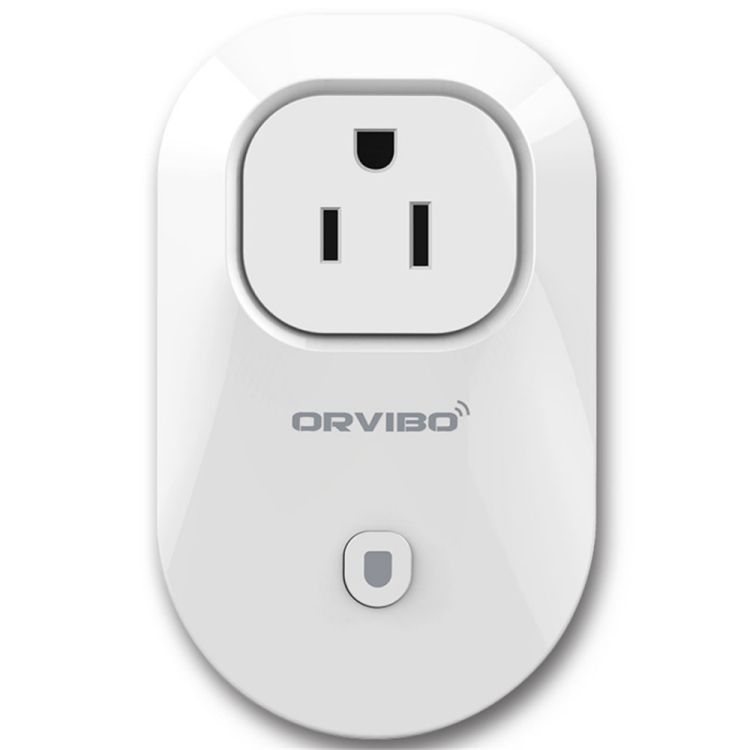
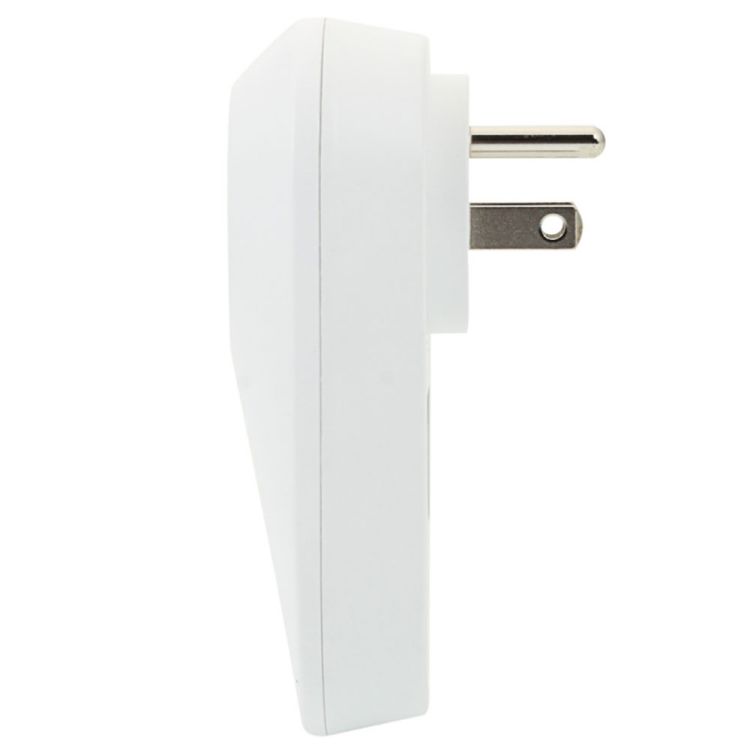
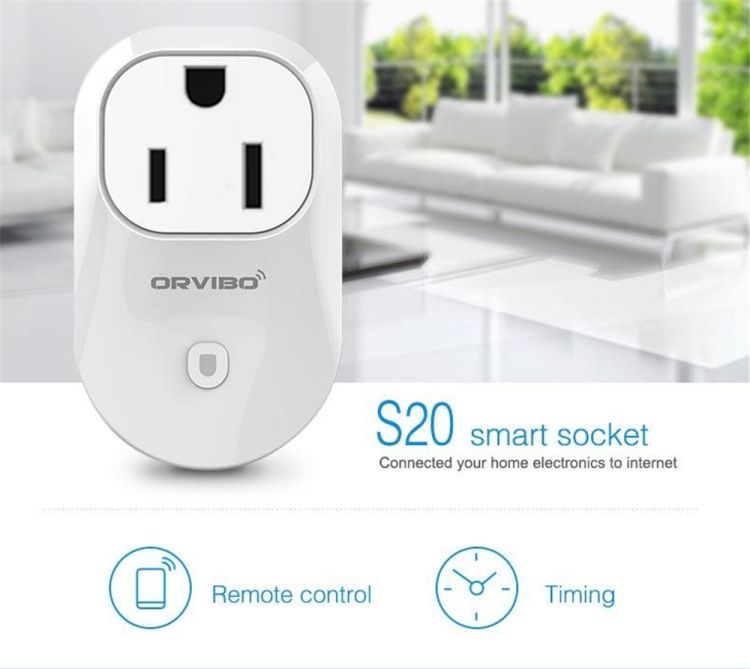
ORVIBO S20 Wi-Fi Remote Control Smart Power Plug Outlet US Standard Socket White
Specifications:
Color: White
Model: WiWo-S20-U3
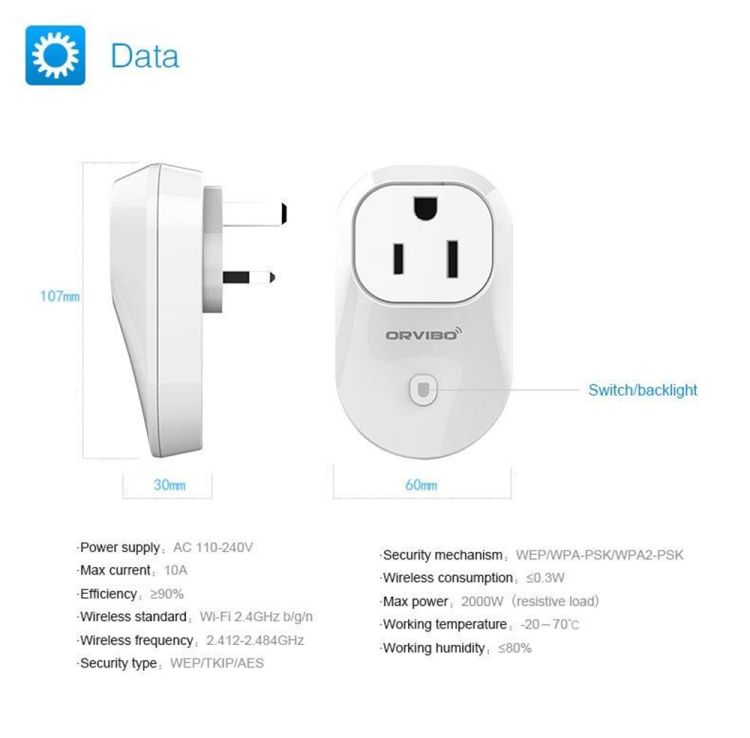
Working Voltage: 100~240V AC
Max Loading Current: 10A
Power Consuming: ≤0.3W
Working Temperature: -20~45℃
Working Humidity: ≤ 80%
Dimensions: (4.02 x 2.44 x 1.30)' / (10.2 x 6.2 x 3.3)cm (L x W x H)
Weight: 3.35oz / 95g
Features:
Support WiFi network
Support Smart Configure Net Technology, Easy to Access Settings
Home Appliances Status Timely to Feedback to APP
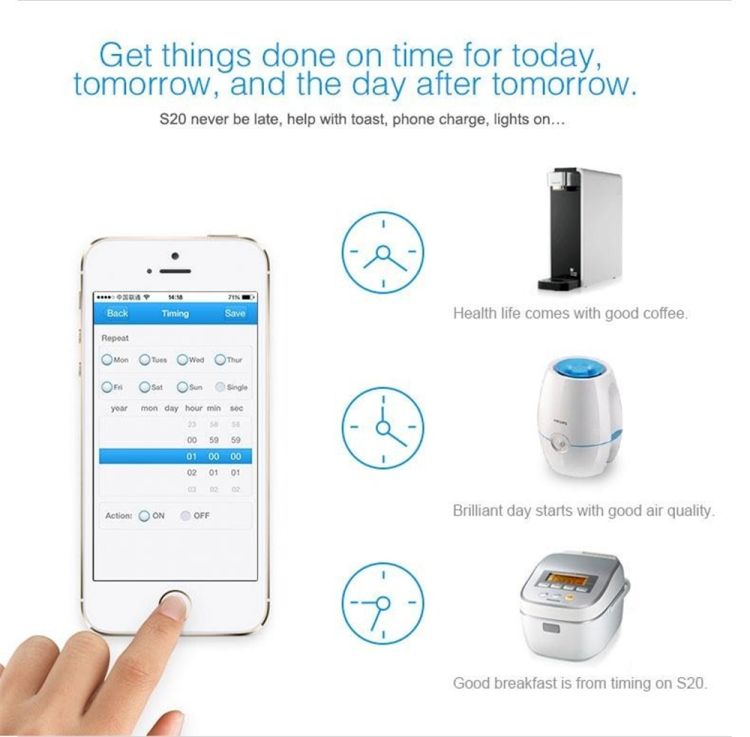
Support Max 10 Timing Task
APP Support Max 150 WiFi Sockets
Support Max 20 Devices to Control WiFi Socket
Easy installation, easy handling and can be activated immediately and stably
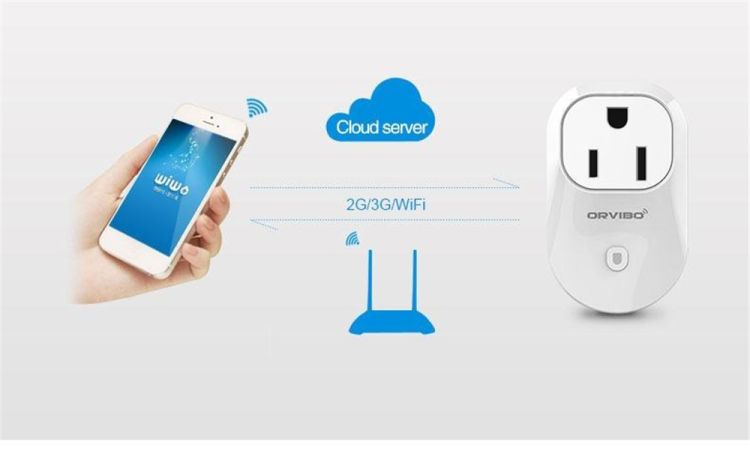
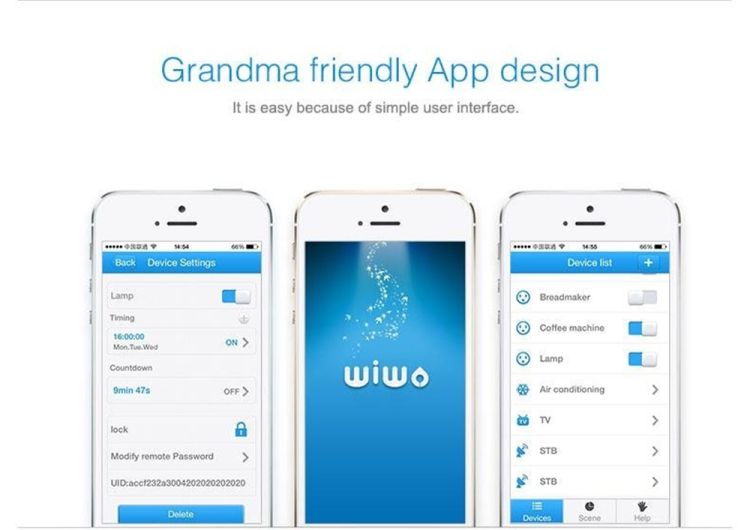
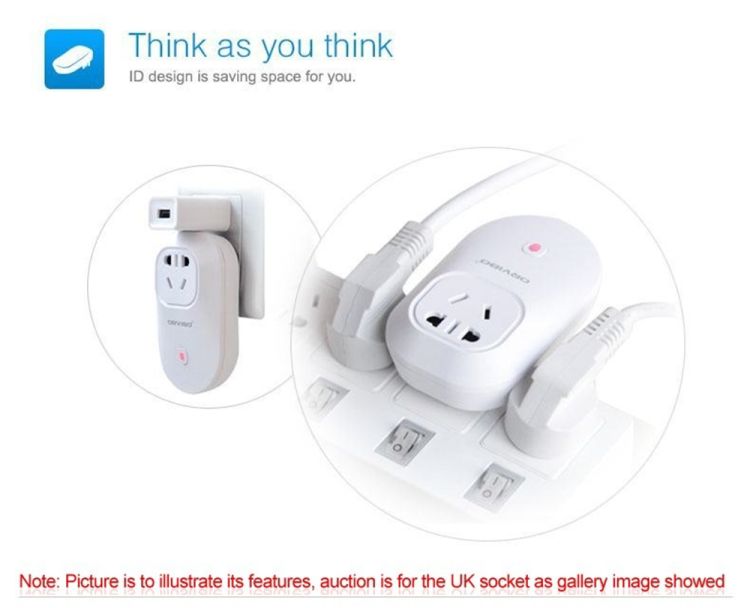
Control household appliances from virtually anywhere with this ORVIBO S20 WiFi Remote Control Smart Power Plug Outlet! It stands in between the wall socket and the device, allowing you to turn it on or off with the mobile app on your smartphone. You can also create on/off schedules to meet your requirements. Easy-to-use app makes setup and configuration quick and simple like never before. Made of flame-retardant material, it is safe and highly reliable. Modern, compact design will easily blend in with any home or office decor. Don' t hesitate to buy now!
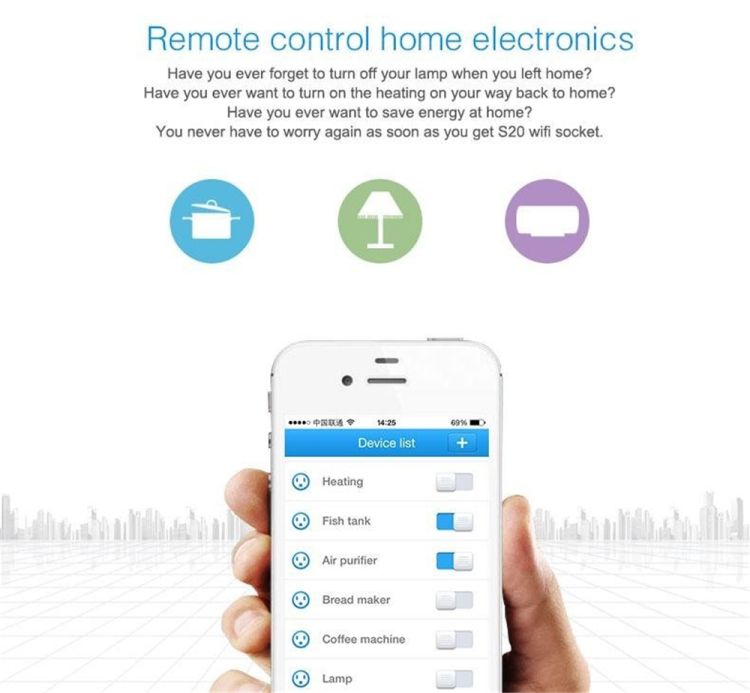
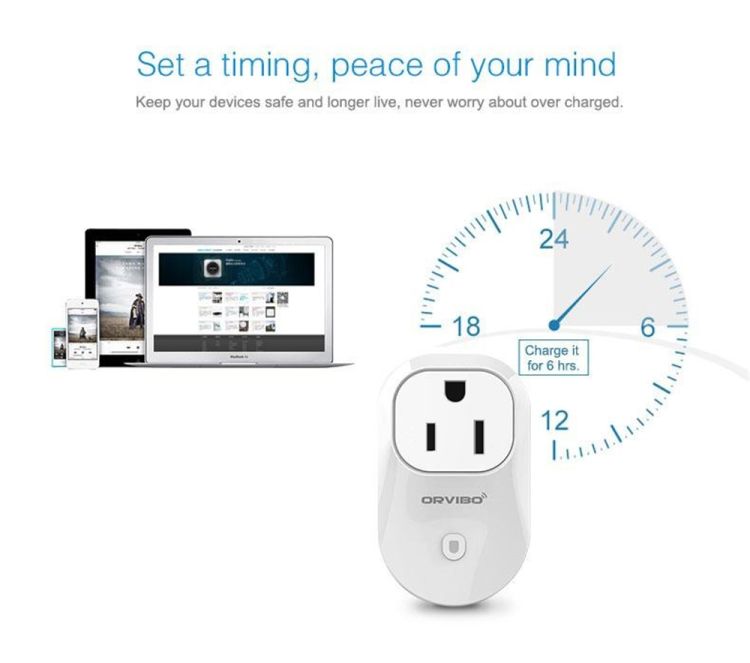
You can control your home appliances plugged into WiFi smart socket from anywhere as long as your smart phone connected with internet. You control the on/off time of your home appliances according to your life style by setting the crontabs, you 'll have much clever homeappliances which know you better.
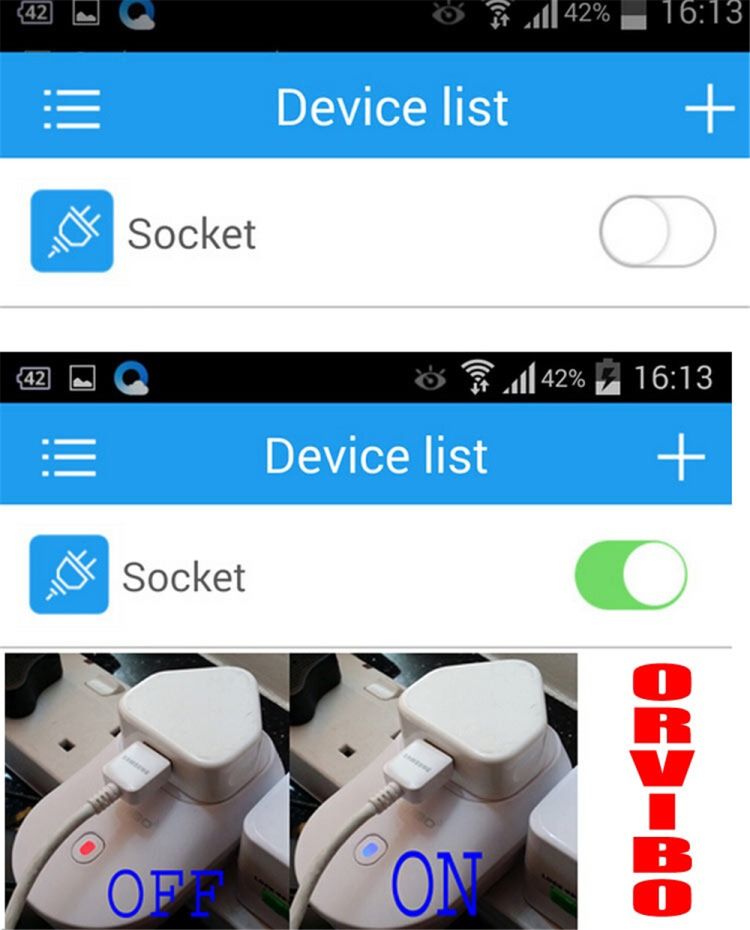
It' s doesn´t matter even if you forget whether you close your home appliances or not, you can use WiWo app to see the on/off state of your home appliances and close them. You can control all your home appliances plugged into WiFi smart socket through WiWo app, so WiWo S20 is your home at your fingertips.
Switch Function:
1. Reset defaults: Connecting socket to power, press switch constantly until it is in fast blinking with red light (5 times/s).
2. AP configure: Connecting socket to power, press switch constantly until it is fast blinking with blue light (5 times/s).
3. Switch on/off the power of socket.
Packaging included:
1 x Remote Control Timing Socket

&img=www.atupapa.com/show/wxbuyer/img/apk.png&url=//www.atupapa.com/show/wxbuyer/whatnear.apk)